


DEEP OCR
Any page in, every value out.
Reads documents with handwriting, Hanja, blurry photos, and fax noise, including their structure and context, and delivers data your business systems can use right away.
91%
Claims with no human touch
At one insurer, the share of claims closed without human handling rose from 28% to 91%.
780
Pages per minute
Reads more than 780 pages per minute with multithreaded parallel processing. Speed stays steady even when documents arrive all at once.
400M+
Training pages
Trained on more than 400 million text images, so it starts on customer documents without separate labeling.
80+
Sites in production
Reads real operational documents at more than 80 sites, including finance and the public sector.
What it reads
Trained on the documents people actually send.
Trained on real field documents. It reads text as written, including handwritten notes, old typewritten documents, Hanja newspapers, formulas, dark-printed tables, and fax noise.
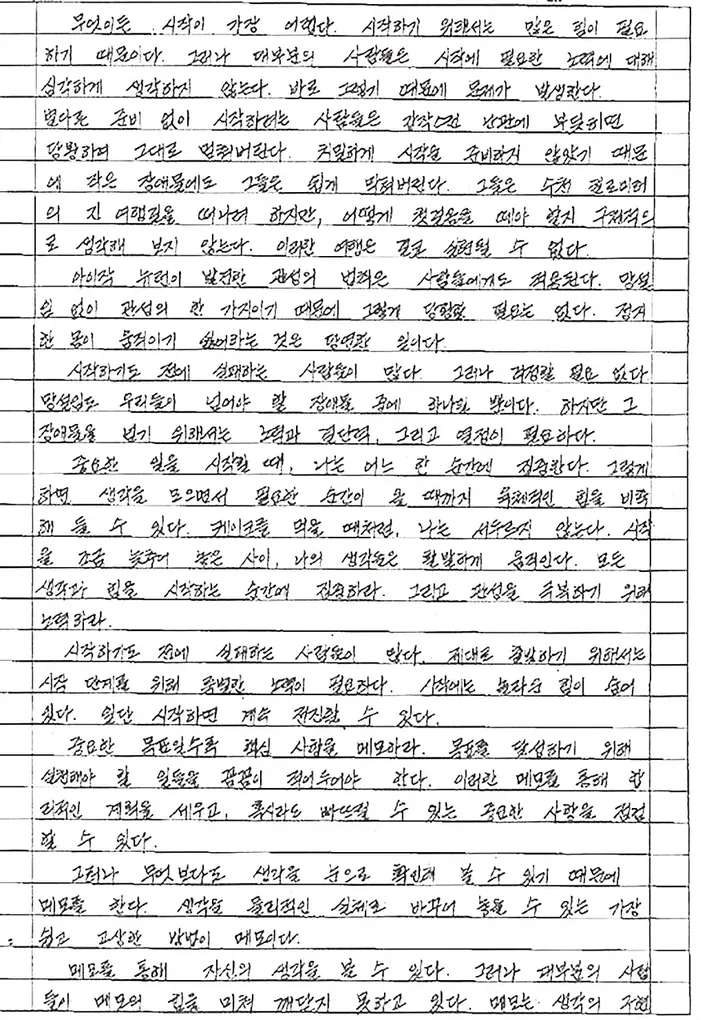
Handwriting
Handwriting
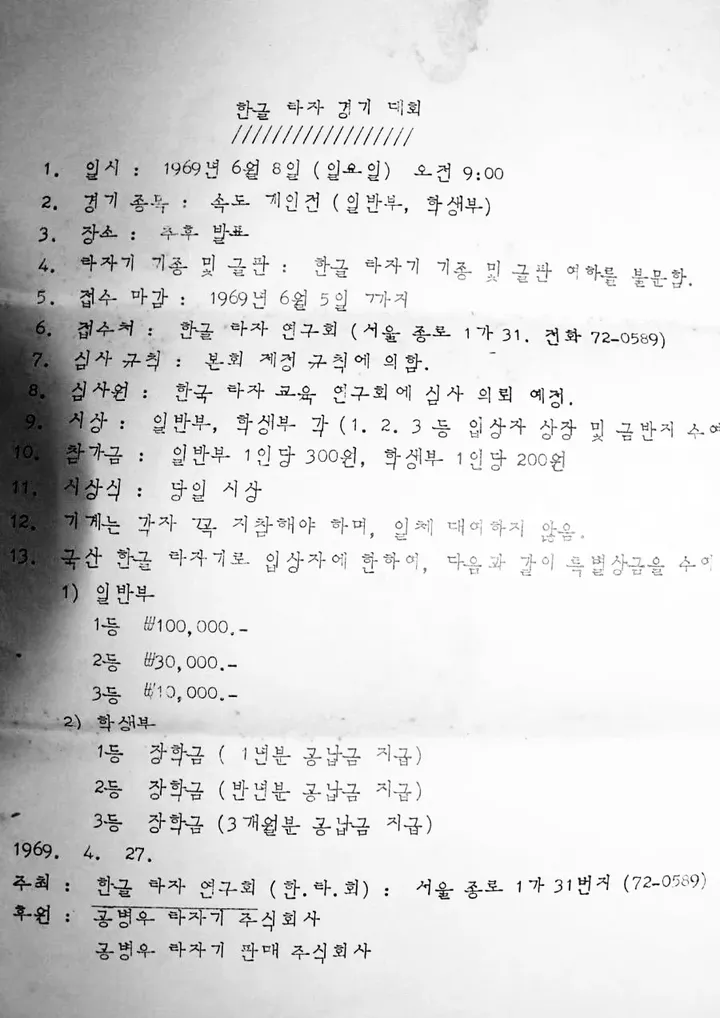
Typewriter
Typewritten
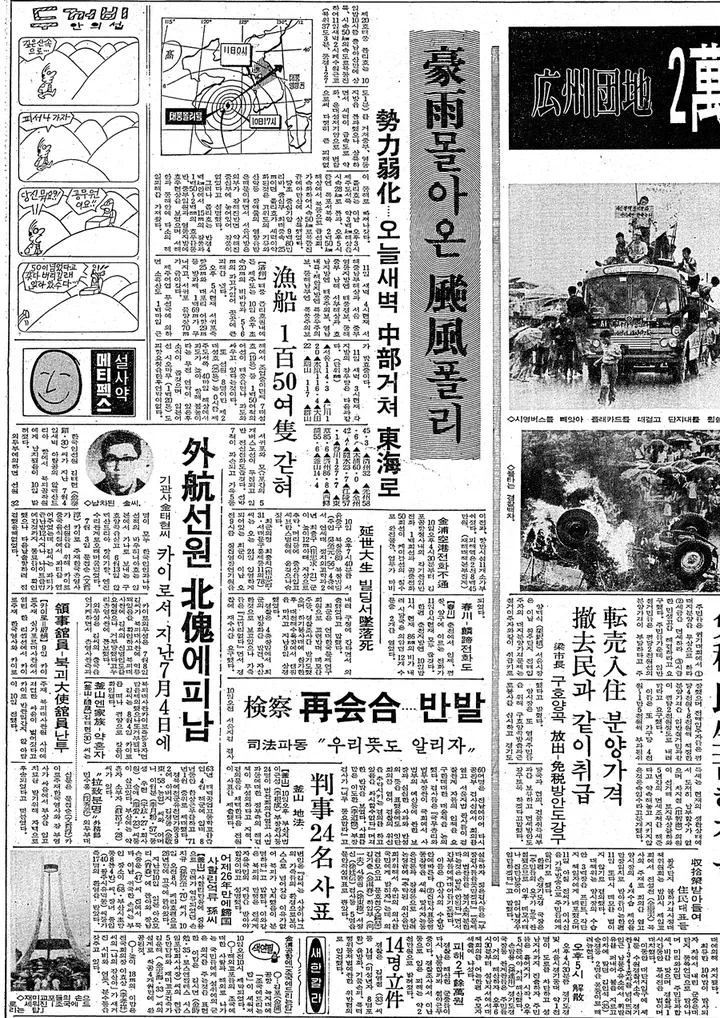
Hanja
Hanja
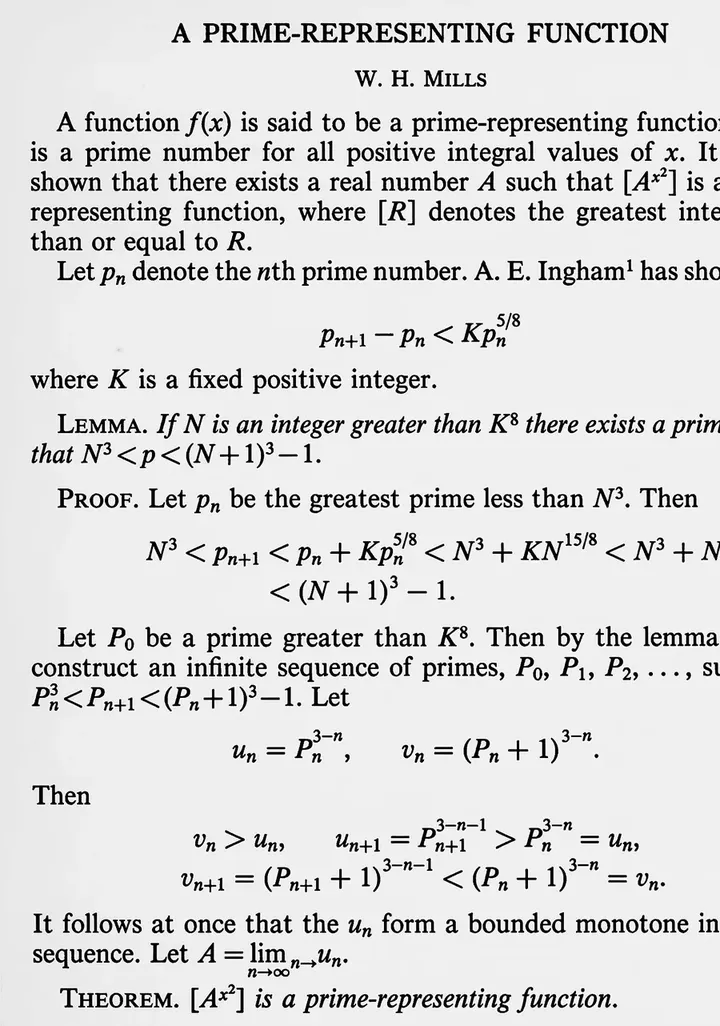
Math & symbols
Math and symbols
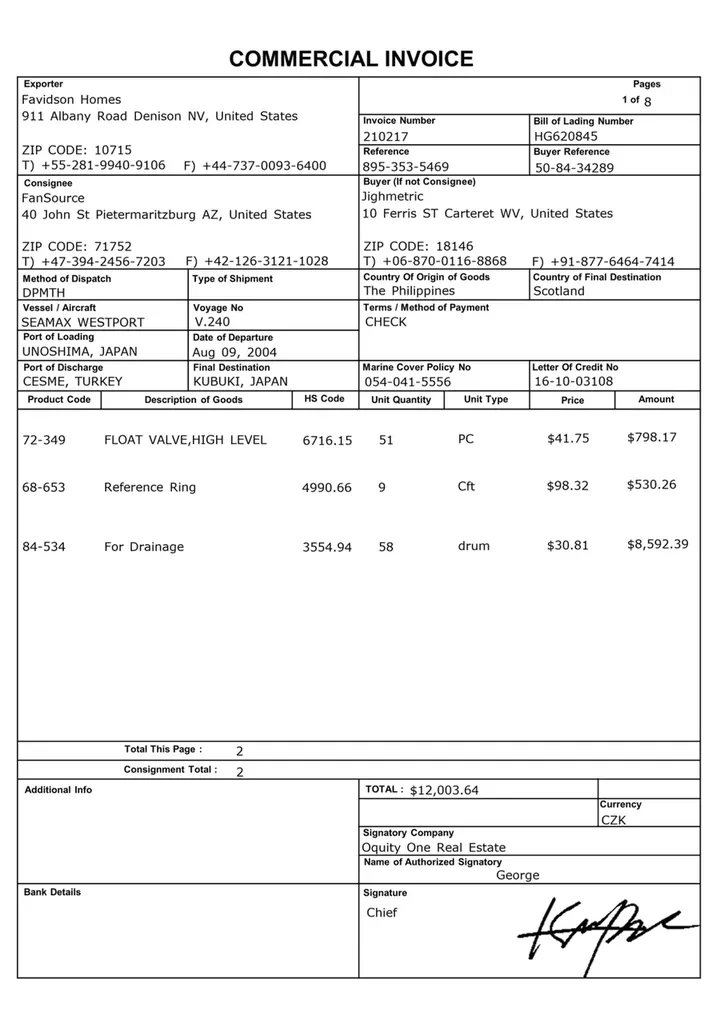
Printed
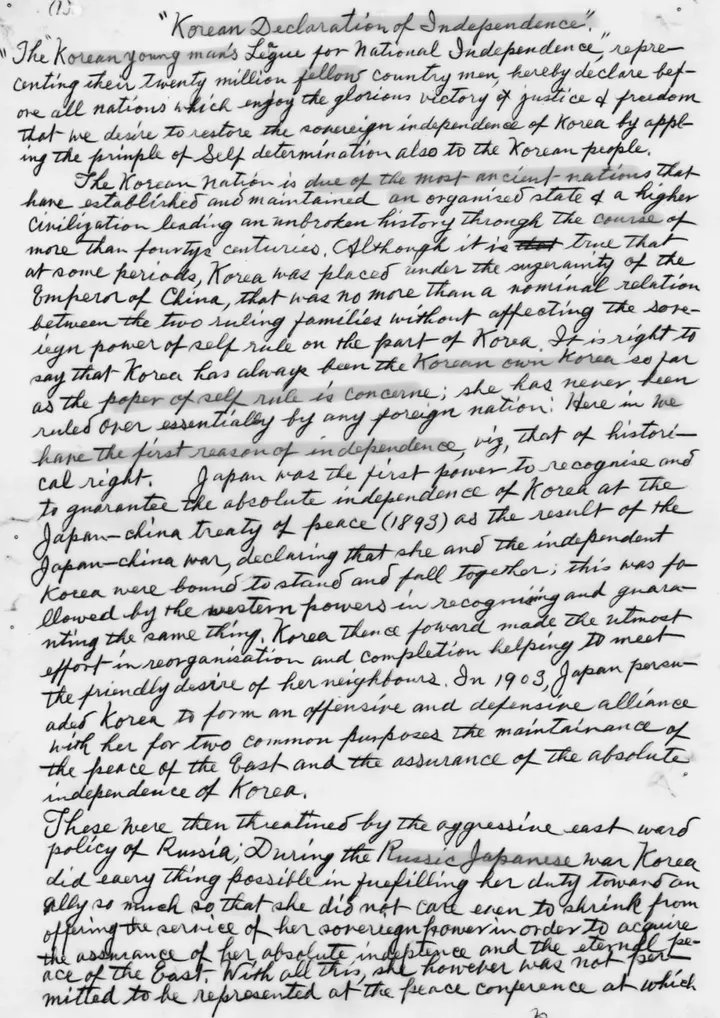
English script
English script
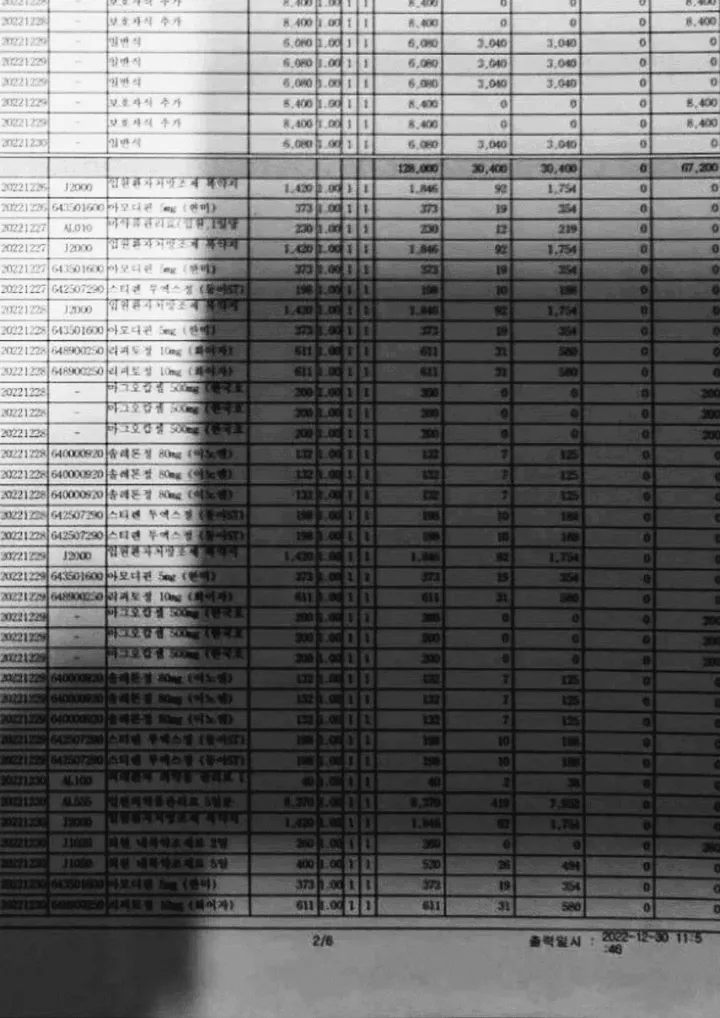
Low light & blur
Low light and blurred documents
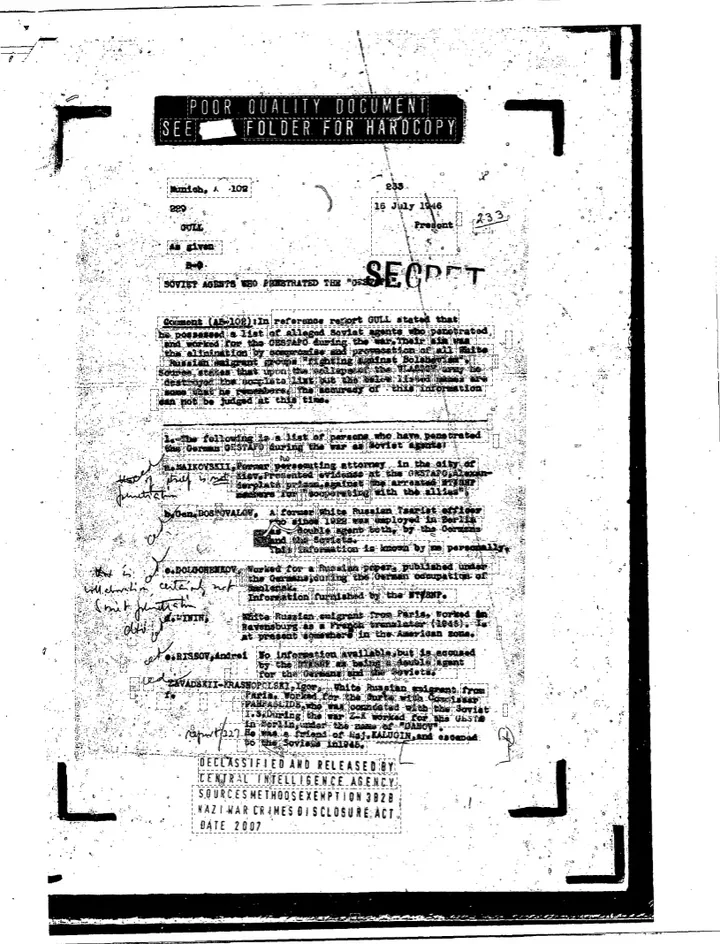
Fax noise
Fax noise
These are real documents that KDL has published as DEEP OCR reading examples.
How it reads
Understands the page, then checks every value against it.
A document-specific VLM designed by KDL reads the layout, tables, and the relationship between keys and values, along with the text. Each value read is checked again against the original, and only values with low confidence go to a person.
- 01
Understand
Reads the structure and context of the document, not just the characters, and finds values by meaning, such as contracting parties, contract period, and signature fields.
- 02
Verify
With a two-stage OCR Hybrid structure, OCR cross-checks where each value the VLM found appears in the original. This prevents values that do not exist from being made up.
- 03
Route
Results with low confidence are filtered out automatically so a person can check them against the original. The rest move to the next step without human handling.
Medical Fee Statement and Receipt
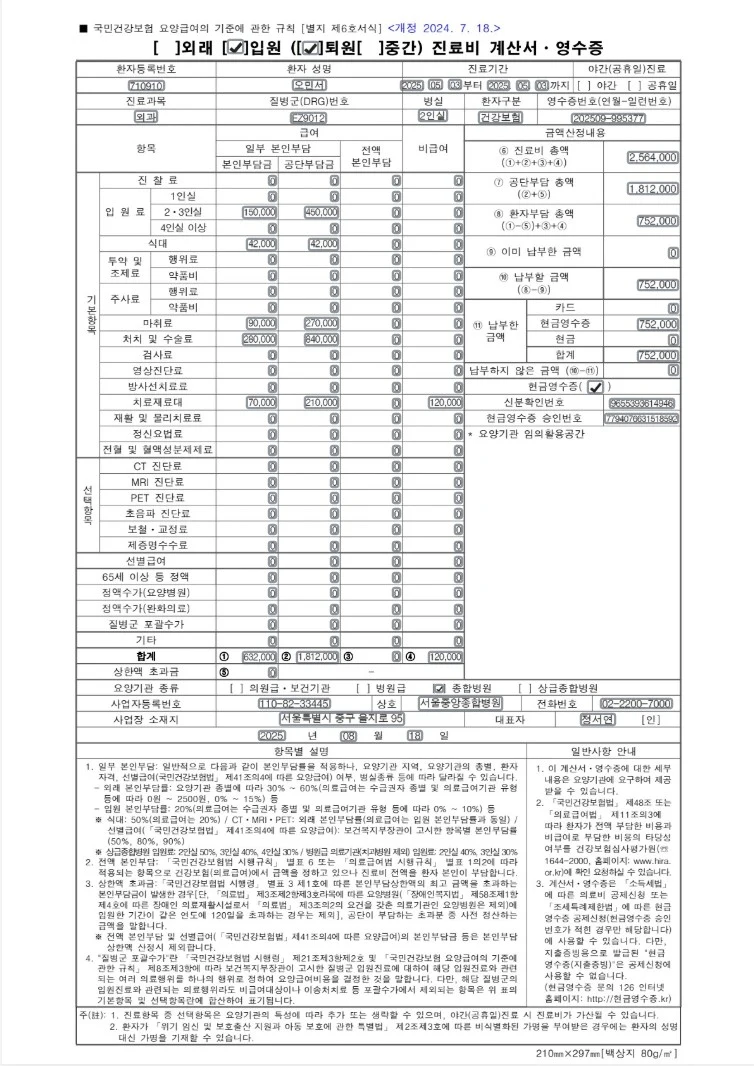
Field results
Treatment information
Consultation fee
Room fee, private room
Room fee, 2–3 bed room
Room fee, 4+ bed room
Meals
Dispensing fee, service
Dispensing fee, drugs
Injection fee, service
Injection fee, drugs
Anesthesia fee
Procedures and surgery fees
Lab test fees
Imaging fee
Radiation therapy fee
Medical supplies
Rehabilitation and physical therapy fees
Psychotherapy fee
Whole blood and blood components fee
CT diagnosis fee
MRI diagnosis fee
PET diagnosis fee
Ultrasound diagnosis fee
Prosthetics and orthodontics fee
Certificate issuance fee
Selective benefits
Flat rate, age 65+ and others
Flat-rate fee, nursing hospital
Flat-rate fee, palliative care
DRG bundled payment
Other
Total
Fee calculation details
Type of care institution
Institution information
Issue date
Workflow
From scan to system in three steps.
Turns scanned PDFs and images into searchable, usable data by splitting them into tables, paragraphs, and keys and values. Just define the fields, and you get results in the same format even from documents with different layouts.
Upload.
Upload documents with differing formats as they are, such as invoices, medical fee statements, and handwritten notes.
Run.
Analyzes each document and organizes only the values you need. You can set in advance which items to extract for each document type.
Connect.
Sends the organized data directly to your in-house ERP, Excel, or generative AI through an API.
Document AI Packs
Ready for the paperwork your industry runs on.
Document AI packs tailored to each document type. Without building templates, they extract the key items and connect them to your business systems.
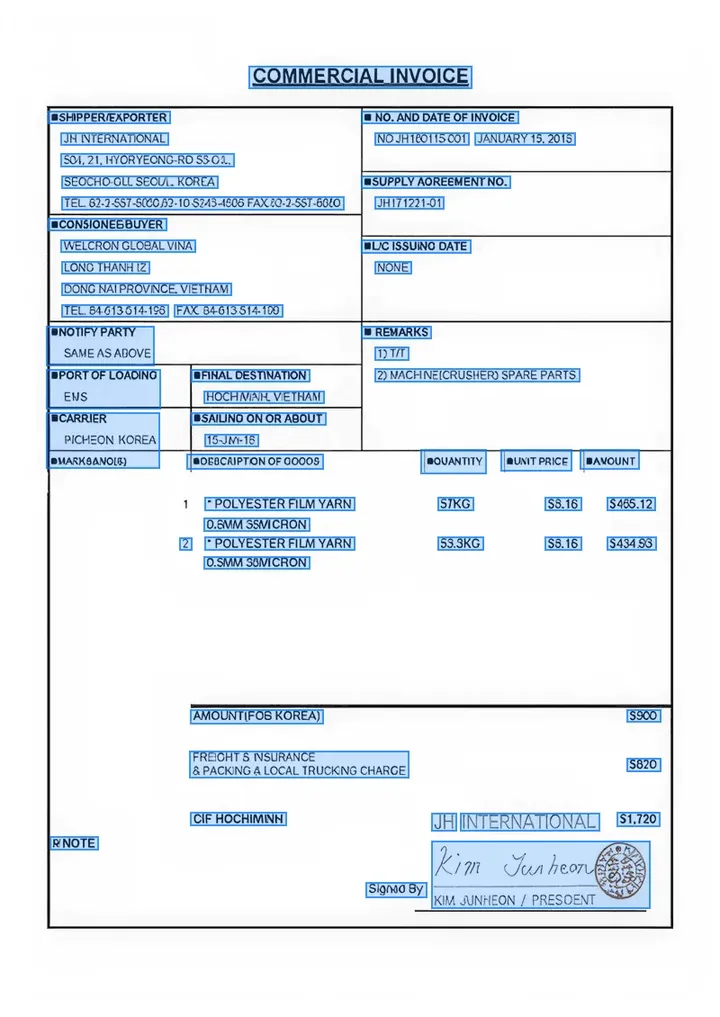
Trade documents
Bills of lading (BL), invoices, certificates of origin
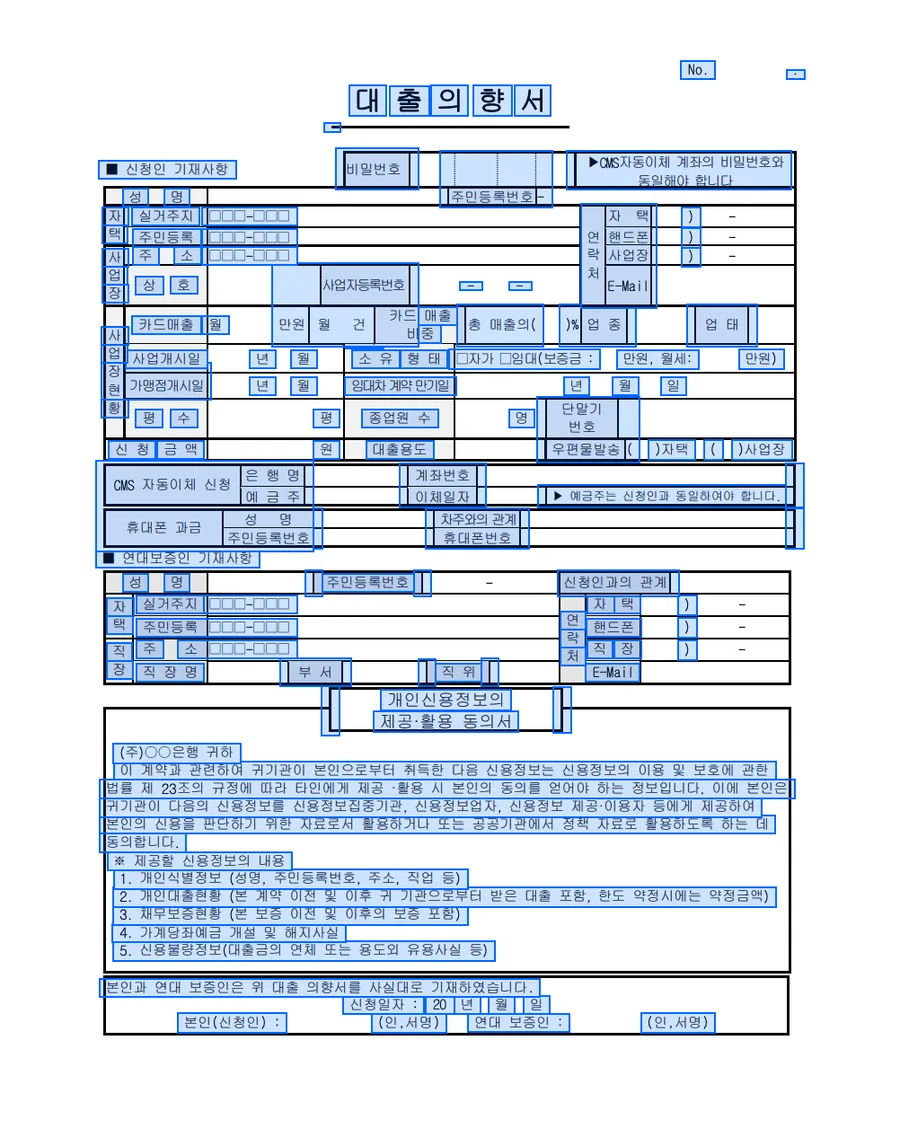
Loan applications
Financial loan applications
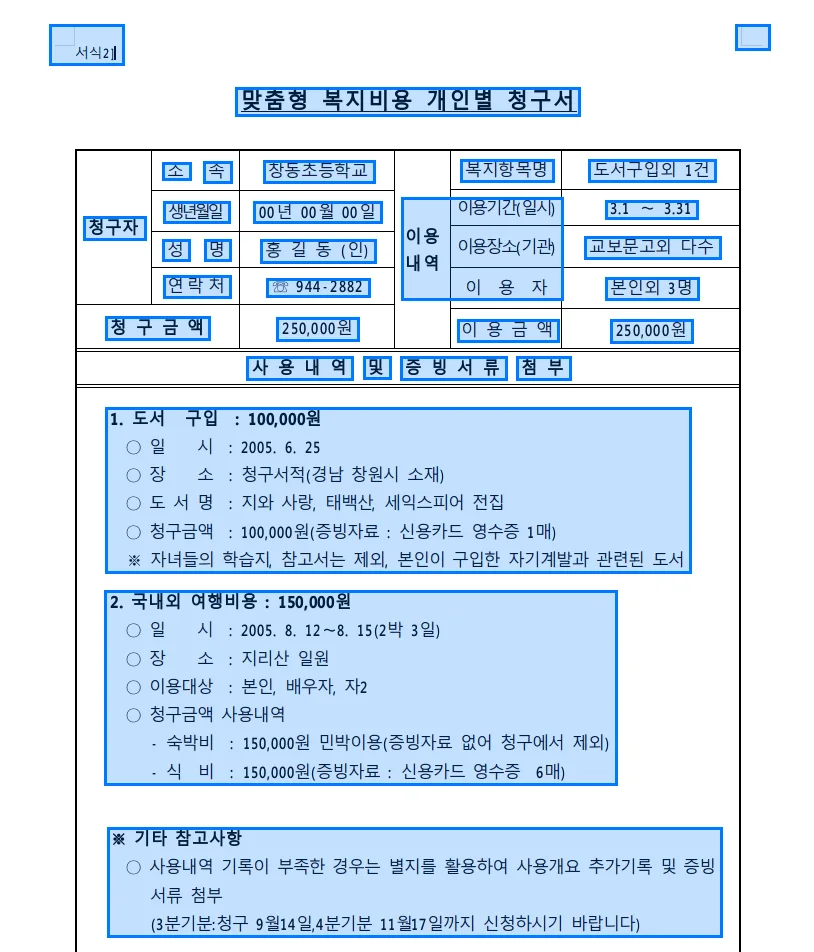
Welfare claims
Welfare claim applications
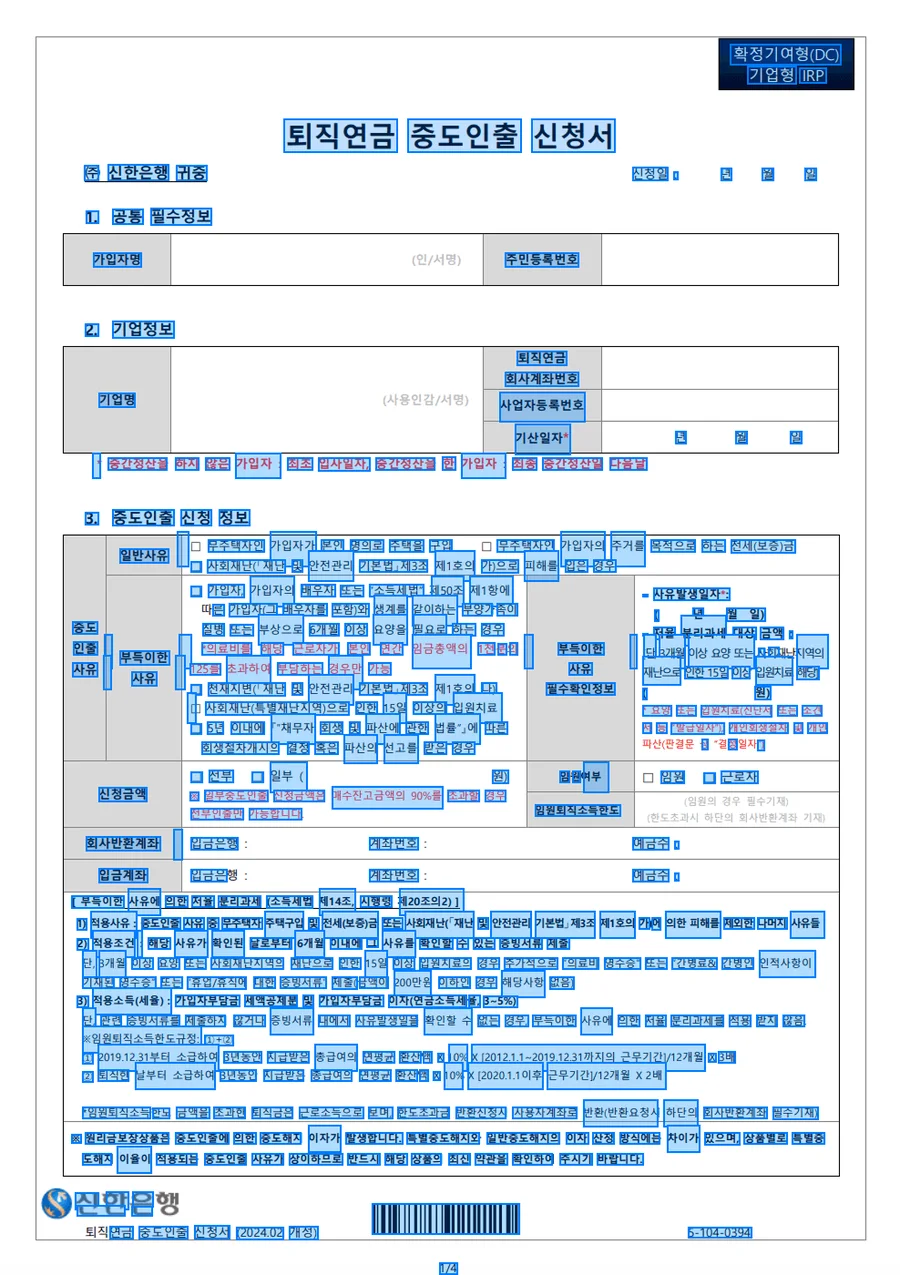
Pension certificates
Retirement pension certificates
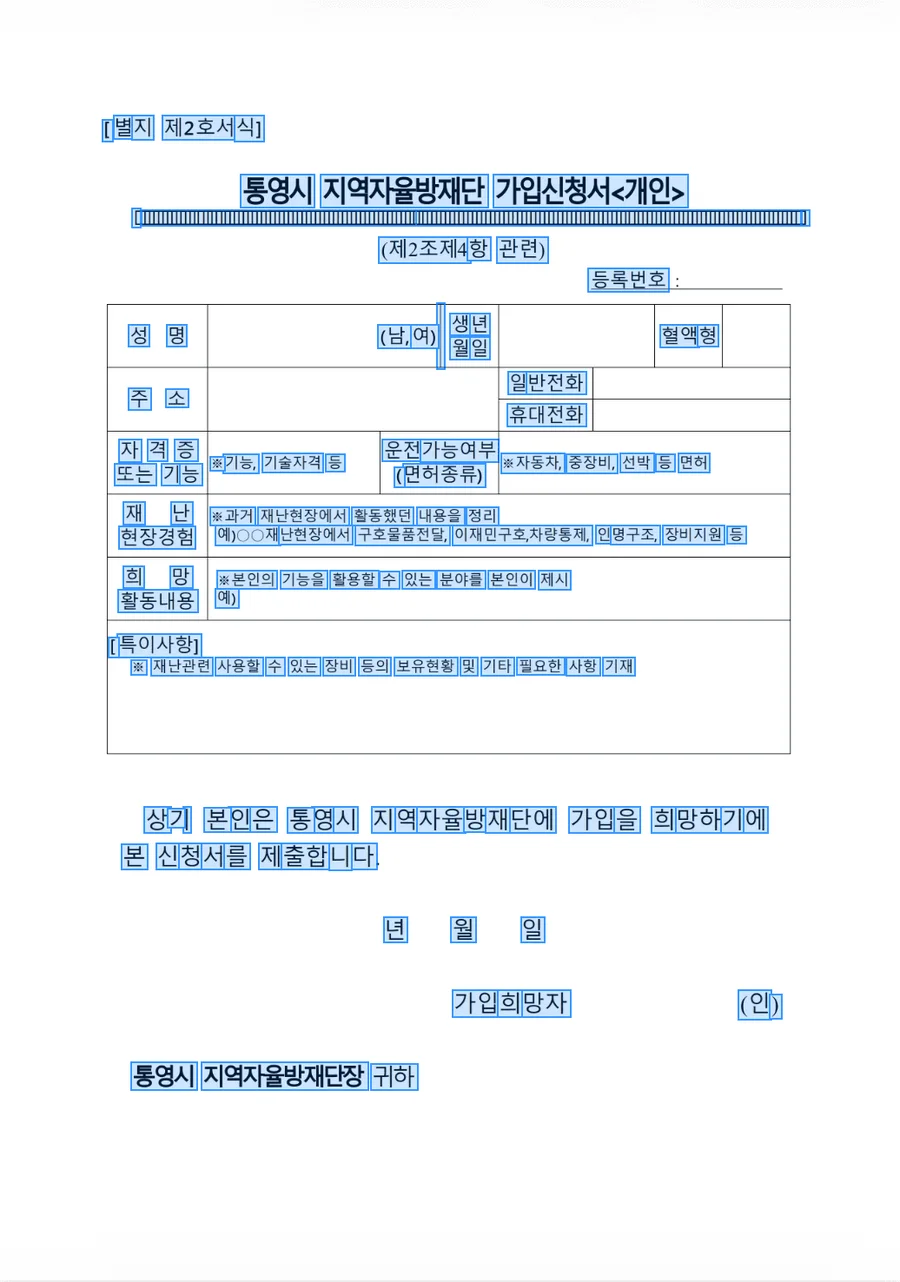
Account opening
Account opening applications
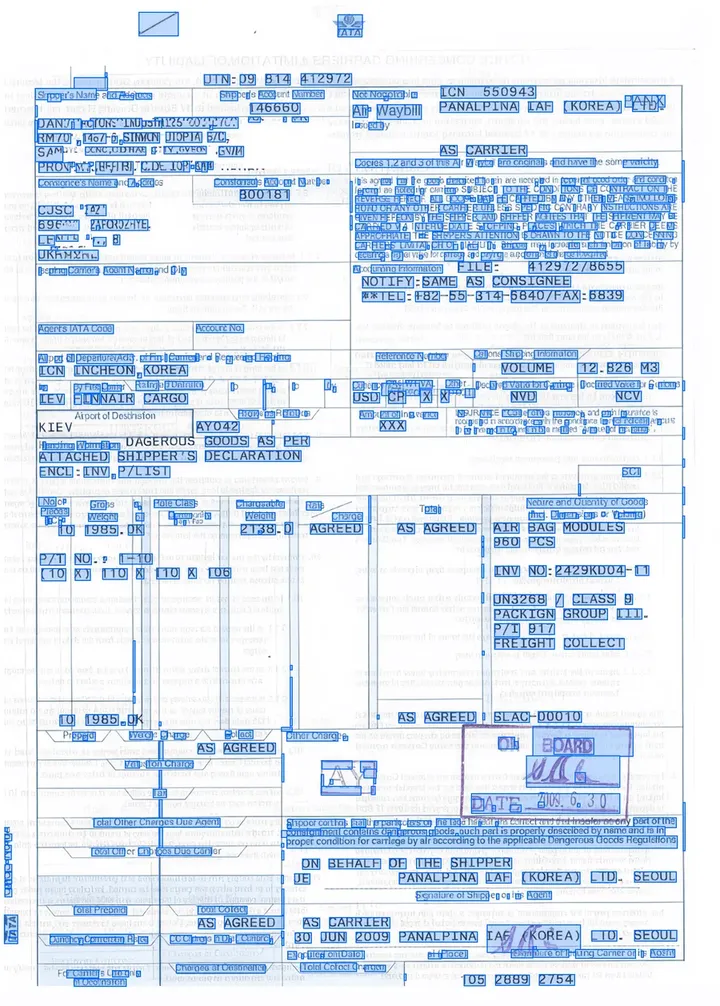
Air waybills
Air waybills
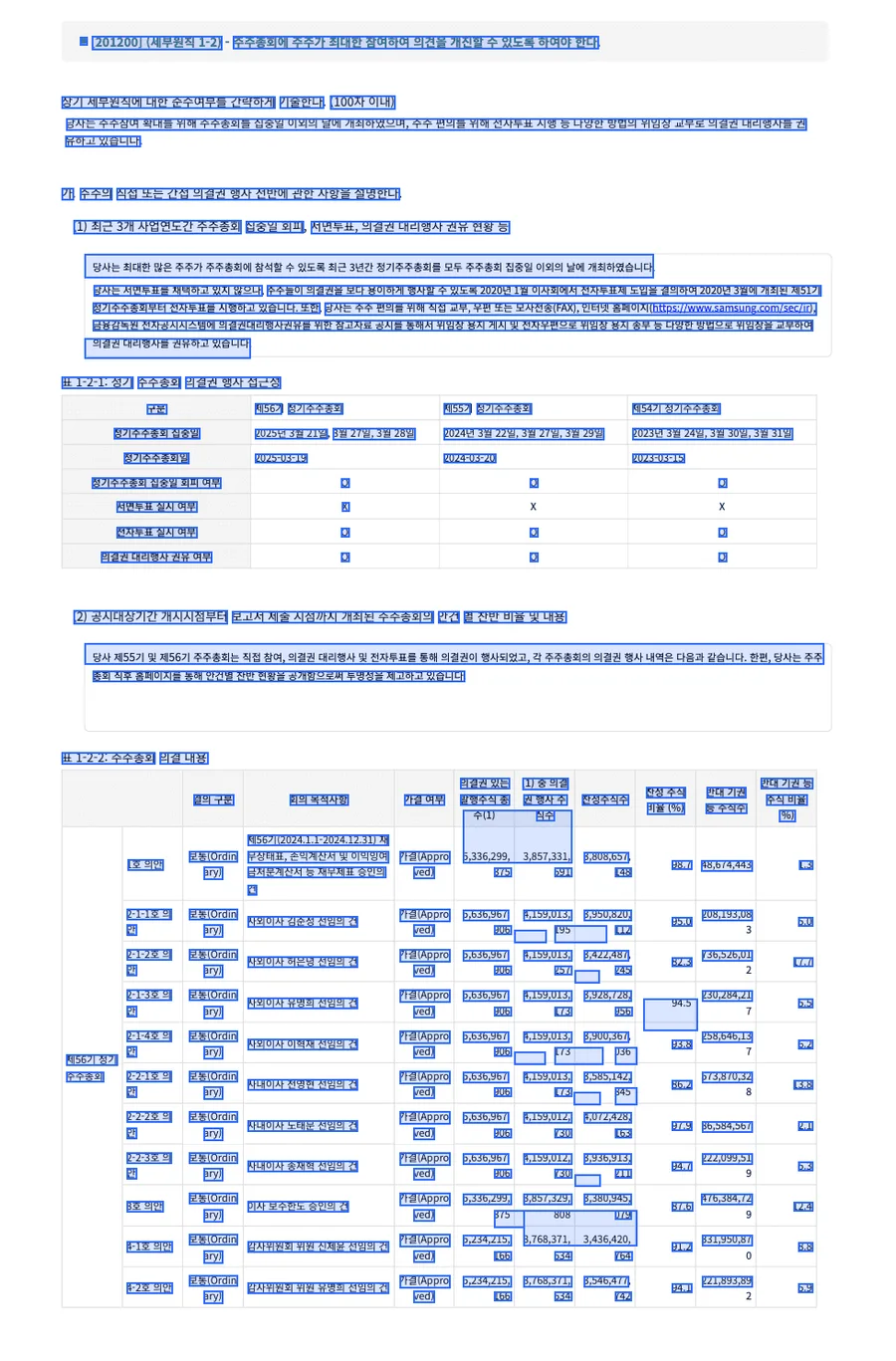
Shareholder registers
Shareholder registers, term sheets
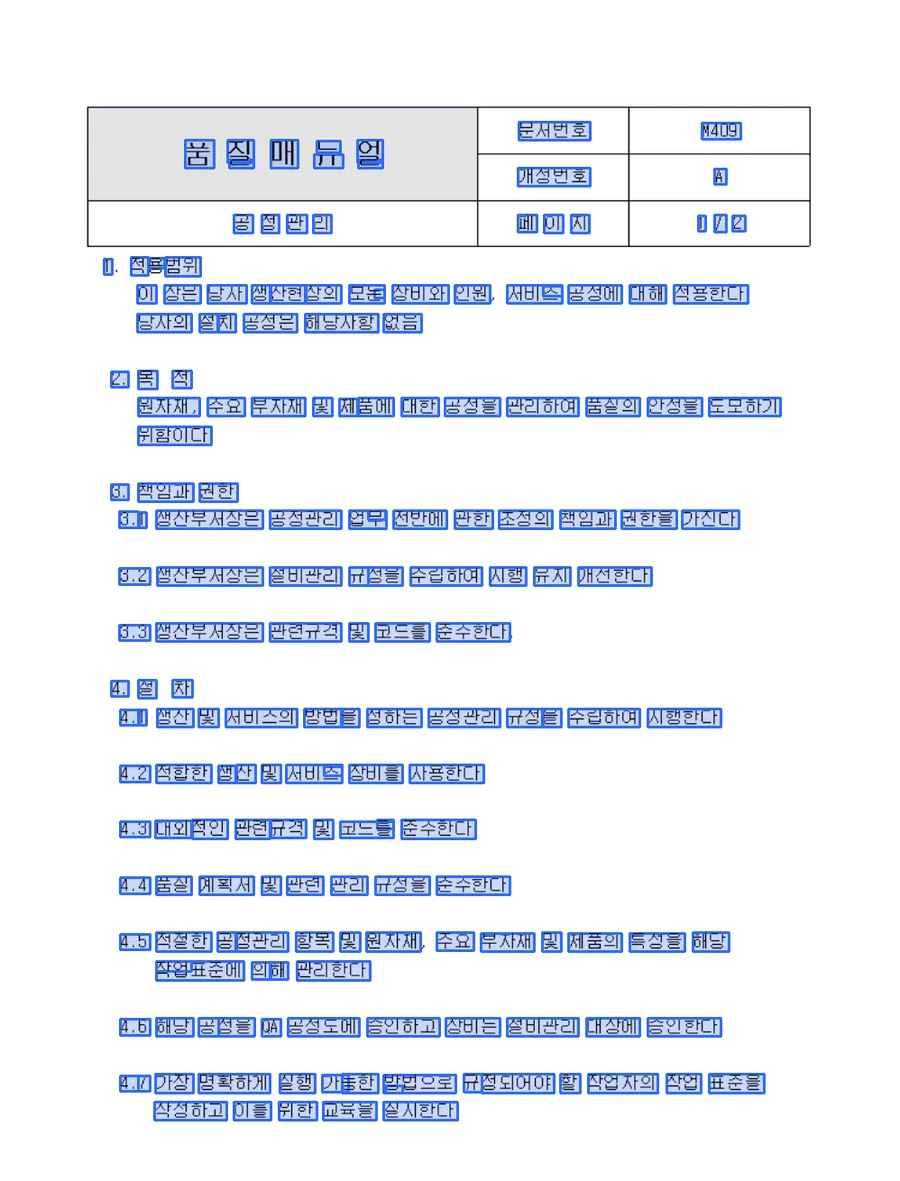
Process manuals
Process manuals
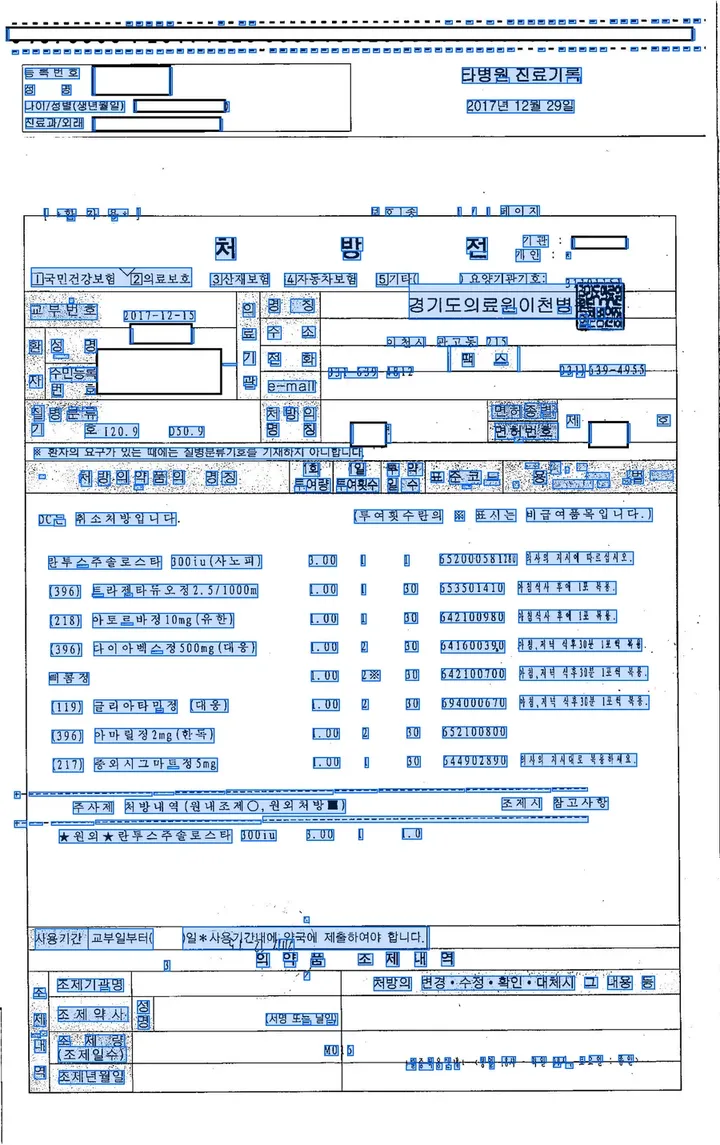
Medical records
Medical records, prescriptions
The blue boxes are areas DEEP OCR found in the document. These are reading examples published by KDL.


752 loan document types, read and sorted on arrival
Automated the classification and reading of 752 types of Hyundai Capital loan documents.
Case · Hyundai Capital
752 kinds of loan paperwork, sorted and read on arrival.
Hyundai Capital sorts and reads 752 types of loan documents in a single system the moment they arrive. As soon as a document comes in, its type is identified and the values needed for review are read out.
752
Loan document types
Hyundai Capital
91%
Claims with no human touch
I Insurance
70%
Less input time
N Financial
Security
Runs inside your closed network.
Runs just as well in on-premise and closed-network environments fully cut off from external networks. Documents and models never leave your organization.

GS certified
Software quality certification (GS) Grade 1

ISO 9001
Quality management certification

Women-owned business
Women-Owned Business Certification

K-Innovative Product
Innovative Procurement Product by PPS
Choose how it runs
On-Premise
Installed directly on your own servers and operated there.
Fits when
- Servers are ready
- External internet cannot be used
- Security matters most
Private Cloud
Operated in a dedicated cloud with data kept separate.
Fits when
- You want a closed-network cloud
- A dedicated environment and data separation are required
- You want to hand off server operations
DEEP Hub
Install dedicated software as a package, even without an internal server.
Fits when
- You have no internal servers
- Buying servers all at once is a burden
- You want to start using the software right away
SaaS
Start right away in the cloud, with no installation.
Fits when
- You want to use it right away with no installation
- You can use the internet
- You need a reasonable price

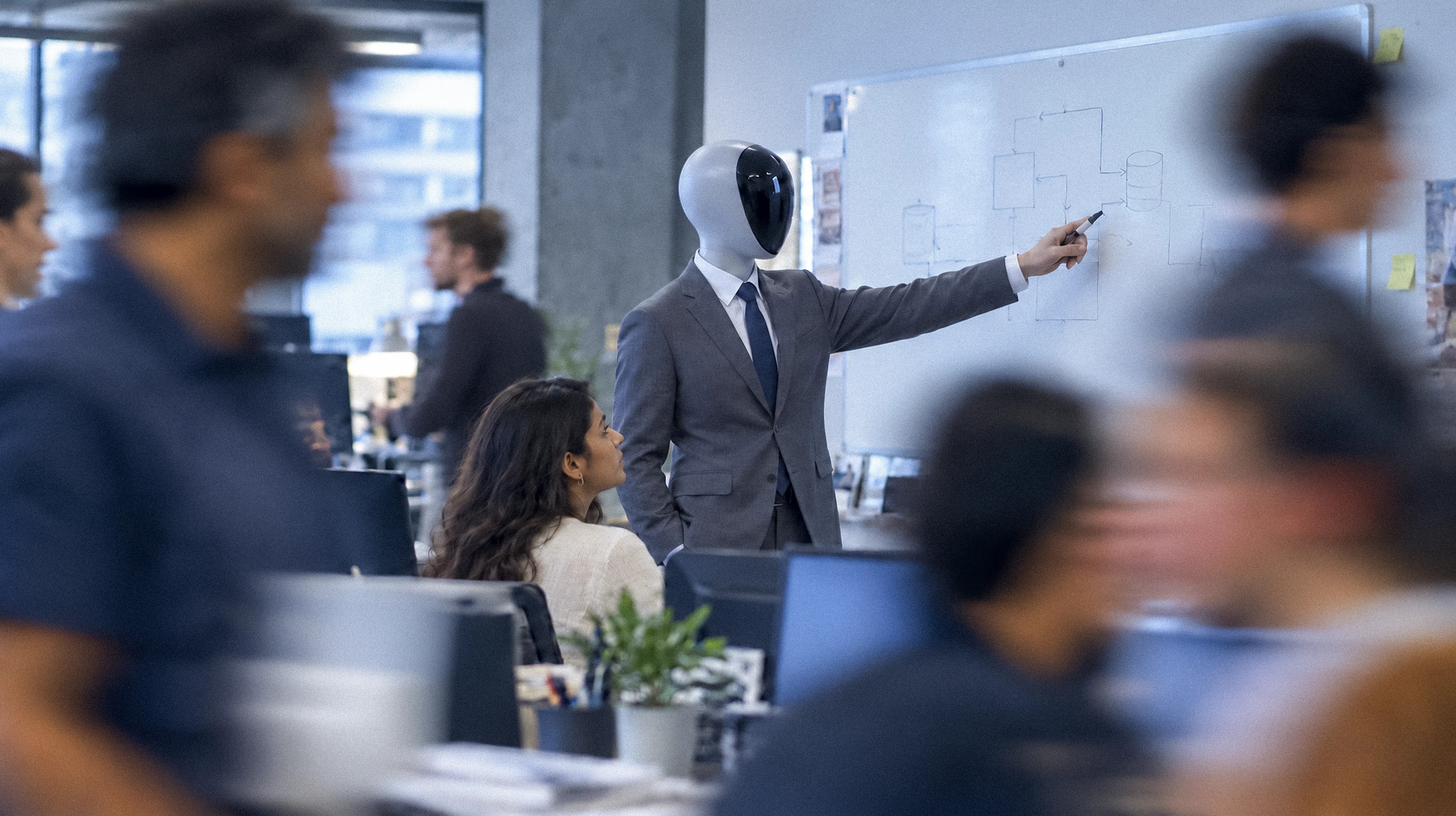

Send us your hardest page.
Share a document that is hard to read. We run a PoC with your actual documents and first confirm how much of it can be read.